
Skip to content

FixMyMac

Home » Blog » iMac Repair in Malaysia: Common Issues & What It Costs to Fix

iMac Repair in Malaysia: Common Issues & What It Costs to Fix

  • by
iMac Repair in Malaysia at FixMyMac

iMac Repair in Malaysia: Common Issues & What It Costs to Fix

Whether you use your iMac for graphic design, video editing, remote work, or managing business operations, its brilliant display and sleek all-in-one design make it an indispensable workstation. However, when an iMac suddenly refuses to turn on, gets stuck on the Apple logo, or suffers a cracked display panel, it can completely disrupt your workflow.

Unlike laptops, repairing an iMac requires specialized tools, heat induction equipment to safely detach the adhesive-sealed display glass, and deep hardware expertise. Bringing your desktop to official service channels often leads to high repair quotes—frequently forcing owners to decide between paying thousands of Ringgit or buying an entirely new system.

This guide breaks down the most common hardware failures on 21.5-inch, 27-inch, and Apple Silicon M1/M3/M4 iMacs in Malaysia, outlines typical repair costs, and explains how component-level servicing saves you money without losing data.

The Most Common Hardware Issues Facing iMac Owners

An iMac’s all-in-one enclosure houses every internal component directly behind the display panel. Over time, thermal heat buildup and aging components lead to several distinct hardware issues:

  • Failing Power Supply Unit (PSU): Your iMac refuses to turn on, shows no indicator LED lights, or randomly shuts down under heavy processing loads.

  • Cracked or Glitching Retina Display: Dropped or bumped screens, vertical colored lines running across the panel, flickering backlights, or complete black-screen displays.

  • Logic Board & GPU Short Circuits: The machine turns on (fans spin), but there is no display output, or it crashes instantly during graphical tasks due to micro-component power line shorts.

  • Slow Mechanical Hard Drive (HDD / Fusion Drive): Older Intel iMac models experience extremely slow boot times, spinning beachballs, and system freezes caused by failing mechanical drives.

  • Overheating & Loud Fan Noise: Dust accumulation on the internal cooling vents dries out the GPU/CPU thermal paste, causing fan noise and thermal throttling.

Estimated iMac Repair & Upgrade Costs in Malaysia

Understanding estimated local repair costs helps you determine whether servicing your desktop makes financial sense:

iMac Issue / Repair ServiceAffected ModelsEstimated Repair Cost Range (MYR)
Power Supply (PSU) ReplacementIntel 21.5″ & 27″ iMacsRM 480 – RM 780
Logic Board Micro-RepairIntel & Apple Silicon M-SeriesRM 1,200 – RM 3,200
Retina Display Replacement21.5″ 4K / 27″ 5K / 24″ M-SeriesRM 1,680 – RM 2,880
Mechanical HDD to High-Speed SSD UpgradeIntel 21.5″ & 27″ iMacs (2015–2020)RM 680 – RM 1,280
Thermal Cleaning & Paste ReplacementAll Intel & M-Series ModelsRM 280 – RM 420

(Note: Exact costs depend on the specific model year, screen size, and severity of internal component damage.)

Whether you are repairing or upgrading your MacBook parts, we’re officially Apple Certified! Read how FixMyMac’s Independent Repair Provider status guarantees genuine parts and expert service

Frequently Asked Questions (FAQ)

Can I upgrade the storage on my older Intel iMac?

Yes! Replacing a slow 1TB mechanical hard drive or Fusion Drive in a 2015–2020 Intel iMac with a solid-state drive (SSD) dramatically speeds up boot times and app performance.

Can M1, M3, or M4 24-inch iMacs be upgraded after purchase?

No. Apple Silicon M-series iMacs have their RAM and SSD storage soldered directly onto the main processor board. However, if the logic board suffers power faults or liquid spills, those internal components can still be repaired through micro-soldering.

How long does a typical iMac repair take at FixMyMac?

Basic services—such as power supply swaps, fan cleanings, and SSD upgrades—are typically completed within 24 to 48 hours. Complex logic board repairs usually take 2 to 4 working days.

Will I lose my files during an iMac repair?

Not at FixMyMac! We prioritize data preservation by repairing your existing hardware components rather than wiping drives or needlessly replacing complete assemblies.

Why Certified Independent Repair Beats Full Unit Replacement

When an official service store inspects an iMac with a dead logic board or failing power supply, their primary policy is swapping the entire mainboard assembly. This approach drives up repair costs and wipes your unbacked-up local data.

Working with an Apple Independent Repair Provider (IRP) offers significant advantages:

  • Micro-Soldering Component Repair: Instead of swapping the whole motherboard, certified micro-soldering technicians replace only the shorted capacitor or power IC chip on your original board, reducing repair costs by up to 60%.

  • Data-Safe Solutions: Keeping your original motherboard operational ensures your internal storage chips remain intact, preserving your photos, work files, and application setups.

  • Genuine & High-Grade Parts: Certified providers use official Apple diagnostic tools, genuine replacement displays, or high-grade components to restore factory performance.

Not sure if you Macbook is having a problem? or your device not as the same as the firt time you used it? Just WhatsApp us your problems and we’ll respond instantly to help you out!

Our Safe iMac Diagnostic & Repair Workflow

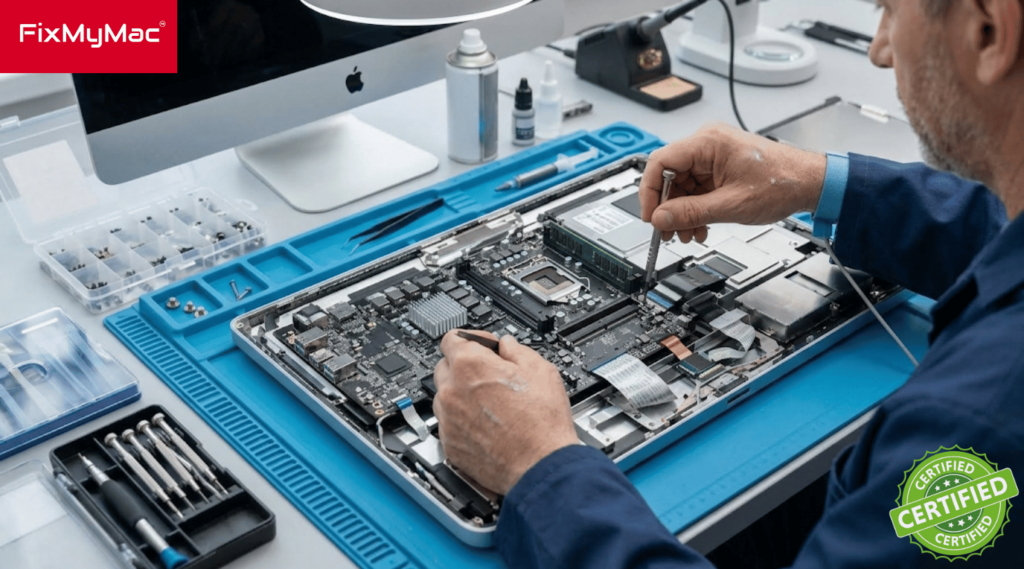
Opening an iMac requires cutting through factory display adhesives without damaging delicate screen ribbon cables. Here is how our professional servicing process protects your workstation:

Non-Destructive Thermal Screen Removal

Using specialized heating pads and precision cutting tools, our technicians safely detach the glass display panel without putting stress on the internal screen flex cables.

Hardware Diagnostic & Precision Repair

We run thermal scans and electrical multimeters across the power supply and logic board to identify failing chips, performing micro-soldering or component replacements directly.

Internal Dust Cleanout & Factory Resealing

Before closing the unit, we clean internal fans, apply fresh thermal paste, and apply factory-grade pre-cut adhesive strips to seal the screen back to the aluminum chassis securely.

Conclusion: Get Expert iMac Repair in KL & Selangor at FixMyMac

A dead power supply, cracked display screen, or slow hard drive does not mean you need to retire your iMac. Choosing target component repairs or upgrading an older mechanical drive to a high-speed SSD can instantly extend your desktop’s lifespan at a fraction of the cost of a new computer.

If you need fast, trustworthy iMac Repair in Kuala Lumpur or Selangor, FixMyMac is ready to help. As an Apple-Certified Independent Repair Provider (IRP), we specialize in logic board micro-soldering, power supply repairs, screen replacements, and SSD upgrades across all Intel and Apple Silicon iMac models. We offer clear, upfront quotes, fast turnarounds, and data-safe repairs backed by warranty coverage.

Is your iMac running slow, showing a blank screen, or failing to turn on? Contact FixMyMac today to schedule your free diagnostic check or get an instant quote!

Testimony

FixMyMac Client's Reviews

Muhammad Ihsan
Muhammad Ihsan
23 June 2024
Super fast response time and very friendly staff👍🏽 definitely recommend this place
Amanda Choo
Amanda Choo
21 June 2024
Took my laptop in for an emergency repair when I cracked my screen, they were quick to respond and were able to take my laptop in on the same day and return it in a couple of hours! Great and reliable service
Yaamin Mohamed
Yaamin Mohamed
17 June 2024
Handed over my laptop in the afternoon and they fixed my laptop same day, replacing screen for an M1 13" laptop! Highly recommended
hilda sadang
hilda sadang
15 June 2024
Mr Gan was very efficient with his services. He came to pick up my Mac within 2 hours from the time I contacted him, gave specific information about the he believed is wrong with my Mac ( which is a bloated battery) and got the problem solved right away . And delivered back in less than 3 hours. He also taught me how to care better for my Mac now on to improve longevity. I asked him to help me clean Mac as it felt oily and dirty somehow, with grime n little dark patches. Mr Gan helped me make my Mac spotlessly clean just like new. The key board even felt firmer,. Highly recommended. You get Mac expert solutions, good cleaning and convenience. 😀”.
rmb empire
rmb empire
13 June 2024
My latest MacBook Pro screen cracked. I approached many laptop mechanics but no one could fix it until I found Fix MyMac. Mr Gan was very professional and friendly. My MacBook is back to brand new look. Thank you for the efficient work. Totally recommend for any MacBook or iMac issues. 10/10!
Shaliza Manmohan
Shaliza Manmohan
13 June 2024
Absolutely incredible service at FIX MY MAC! After a frustrating month of seeking repairs for my cracked Mac and being turned away or told to wait months for parts by other places, including the Apple Store, I decided to give FIX MY MAC a shot. I had little hope, but to my surprise, the response from their team was swift and extremely helpful. In just 10 days, my laptop was fixed and it’s as good as new—I’m actually writing this review from it! Not only was the service fast, but the team was honest in their advice, and the pricing was far more reasonable than anywhere else I’d checked. I highly recommend FIX MY MAC to anyone facing issues with their Mac. Truly a lifesaver!
Johnathan
Johnathan
11 June 2024
These guys are PROS! Instant response on WhatsApp and picked up my computer in 10 minutes. Fixed in 2 hours and delivered back to me. Perfect service and friendly guys to work with. Recommended.
Eva McGovern
Eva McGovern
11 June 2024
CK and his team were fantastic to work with. He fixed my MacBook Air screen so quickly and delivered it back to my house within a few hours! My computer is working perfectly now and I will definitely use them again. Thank you so much for this professional service!