
Skip to content

FixMyMac

Home » Blog » MacBook Air M1 Screen Replacement: How to Fix a Display Without Breaking the Bank

MacBook Air M1 Screen Replacement: How to Fix a Display Without Breaking the Bank

  • by
Macbook Air M1 Screen Replacement in KL & Selangor at FixMyMac

MacBook Air M1 Screen Replacement: How to Fix a Display Without Breaking the Bank

The M1 MacBook Air is easily one of the most reliable laptops Apple ever made. It’s fast, the battery lasts forever, and it’s incredibly thin. But that extreme thinness comes with a major vulnerability: the display glass is remarkably fragile.

If you opened your laptop today only to find vertical colored lines, a bleeding ink-stain pattern, or a completely blank display, you are experiencing a cracked LCD.

When your screen dies, your productivity halts. Here is everything you need to know about getting a MacBook Air M1 Screen Replacement in Malaysia quickly, affordably, and safely.

How Did It Break? The Surprise Culprits of M1 Screen Damage

Many users come into FixMyMac completely puzzled. They swear they didn’t drop their laptop, yet the screen is broken. Because the clearance between the keyboard and the display on the M1 MacBook Air is paper-thin, it takes very little to crack the LCD panel underneath the glass:

  • The Pen/Earphone Trap: Closing the lid with a stray pen, paperclip, or even an earbud resting on the keyboard is the #1 cause of cracked screens.

  • Hard Plastic Webcam Covers: Those sliding plastic privacy covers press directly into the glass when the laptop is closed in a backpack, causing immediate pressure cracks.

  • Keyboard Protectors & Microfiber Cloths: Thick silicone keyboard skins or leaving a thick cloth inside when closing the lid puts immense stress on the display hinges and glass panel.

  • The “Backpack Squeeze”: Stuffing your thin MacBook into a tightly packed bag alongside heavy textbooks or chargers can flex the aluminum display casing, crushing the internal LCD layer.

Signs You Need a MacBook Air M1 Screen Replacement

Sometimes screen damage isn’t a visible external crack. Look out for these internal hardware failure signs:

  • Vertical or Horizontal Lines: Solid colored lines running down your screen that don’t change when you move windows around.

  • The “Ink Bleed” Effect: Black splotches that look like spilled ink spreading across the glass, often accompanied by flickering.

  • No Backlight (Black Screen): The laptop turns on, keyboard lights up, and it makes a chime, but the screen stays entirely dark.

  • Stage Light Effect: The bottom of the screen has uneven patches of bright and dim light, resembling theater stage lighting (caused by a damaged display flex cable).

Whether you are repairing or upgrading your MacBook parts, we’re officially Apple Certified! Read how FixMyMac’s Independent Repair Provider status guarantees genuine parts and expert service

Frequently Asked Questions (FAQ)

Will my True Tone feature still work after screen replacement?

Yes! Our premium replacement displays support native color calibration. Unlike cheap third-party screens that permanently disable True Tone and disrupt ambient light sensing, our high-grade panels maintain your Mac’s seamless viewing comfort.

Do I need to back up my data before bringing it in?

While it is always good practice to keep a Time Machine backup, a MacBook Air M1 Screen Replacement is a purely external hardware repair. We do not touch your logic board or SSD, meaning your photos, files, and browser tabs are completely safe and right where you left them.

Can you replace just the inner LCD glass or the whole top lid?

Depending on your budget and the condition of your aluminum outer shell, we offer both options. If your metal lid is completely straight and dent-free, we can replace just the inner LCD panel to save you maximum cash. If the frame is severely bent, we swap the full top casing assembly.

Our Screen Replacement Process: Fast & Flawless

We know you can’t afford to be away from your laptop for weeks. That’s why our MacBook Air M1 Screen Replacement workflow is streamlined to get you back to work in record time:

1. Diagnostic & Power Cut

We safely unscrew the bottom case and immediately disconnect the battery. This ensures there is zero power flowing to the logic board while we detach the display cables.

2. Hinge & Antenna Disassembly

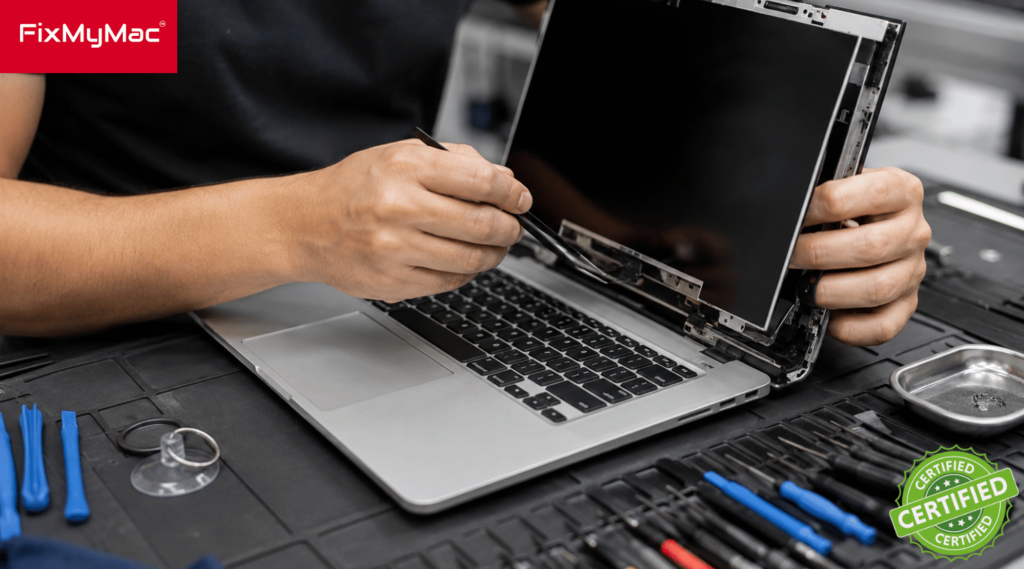
Our technicians carefully remove the delicate Wi-Fi/Bluetooth antenna bar and unscrew the heavy-duty display hinges to separate the damaged screen from the body.

3. Precision Display Assembly

We install a premium quality, color-calibrated M1 display assembly that matches Apple’s original True Tone capabilities and brightness levels perfectly.

4. Strict Quality Testing

Before handing your Mac back, we run a multi-point inspection testing screen brightness scales, sleep/wake sensors, webcam clarity, and graphics stability.


Not sure if you Macbook is having a problem? or your device not as the same as the firt time you used it? Just WhatsApp us your problems and we’ll respond instantly to help you out!

Get Your MacBook Air M1 Screen Fixed Today!

Don’t struggle through blurry lines or a black screen. Bring your machine into FixMyMac for a transparent, fast, and affordable display fix by technicians who actually care about your time and budget.

Testimony

FixMyMac Client's Reviews

Muhammad Ihsan
Muhammad Ihsan
23 June 2024
Super fast response time and very friendly staff👍🏽 definitely recommend this place
Amanda Choo
Amanda Choo
21 June 2024
Took my laptop in for an emergency repair when I cracked my screen, they were quick to respond and were able to take my laptop in on the same day and return it in a couple of hours! Great and reliable service
Yaamin Mohamed
Yaamin Mohamed
17 June 2024
Handed over my laptop in the afternoon and they fixed my laptop same day, replacing screen for an M1 13" laptop! Highly recommended
hilda sadang
hilda sadang
15 June 2024
Mr Gan was very efficient with his services. He came to pick up my Mac within 2 hours from the time I contacted him, gave specific information about the he believed is wrong with my Mac ( which is a bloated battery) and got the problem solved right away . And delivered back in less than 3 hours. He also taught me how to care better for my Mac now on to improve longevity. I asked him to help me clean Mac as it felt oily and dirty somehow, with grime n little dark patches. Mr Gan helped me make my Mac spotlessly clean just like new. The key board even felt firmer,. Highly recommended. You get Mac expert solutions, good cleaning and convenience. 😀”.
rmb empire
rmb empire
13 June 2024
My latest MacBook Pro screen cracked. I approached many laptop mechanics but no one could fix it until I found Fix MyMac. Mr Gan was very professional and friendly. My MacBook is back to brand new look. Thank you for the efficient work. Totally recommend for any MacBook or iMac issues. 10/10!
Shaliza Manmohan
Shaliza Manmohan
13 June 2024
Absolutely incredible service at FIX MY MAC! After a frustrating month of seeking repairs for my cracked Mac and being turned away or told to wait months for parts by other places, including the Apple Store, I decided to give FIX MY MAC a shot. I had little hope, but to my surprise, the response from their team was swift and extremely helpful. In just 10 days, my laptop was fixed and it’s as good as new—I’m actually writing this review from it! Not only was the service fast, but the team was honest in their advice, and the pricing was far more reasonable than anywhere else I’d checked. I highly recommend FIX MY MAC to anyone facing issues with their Mac. Truly a lifesaver!
Johnathan
Johnathan
11 June 2024
These guys are PROS! Instant response on WhatsApp and picked up my computer in 10 minutes. Fixed in 2 hours and delivered back to me. Perfect service and friendly guys to work with. Recommended.
Eva McGovern
Eva McGovern
11 June 2024
CK and his team were fantastic to work with. He fixed my MacBook Air screen so quickly and delivered it back to my house within a few hours! My computer is working perfectly now and I will definitely use them again. Thank you so much for this professional service!